Pro Features Overview
MenuLoom works fully on its own. MenuLoom Pro is an add-on that adds more tools. Without it, Pro pages open as a locked preview with a PRO badge, and nothing is lost or changed.
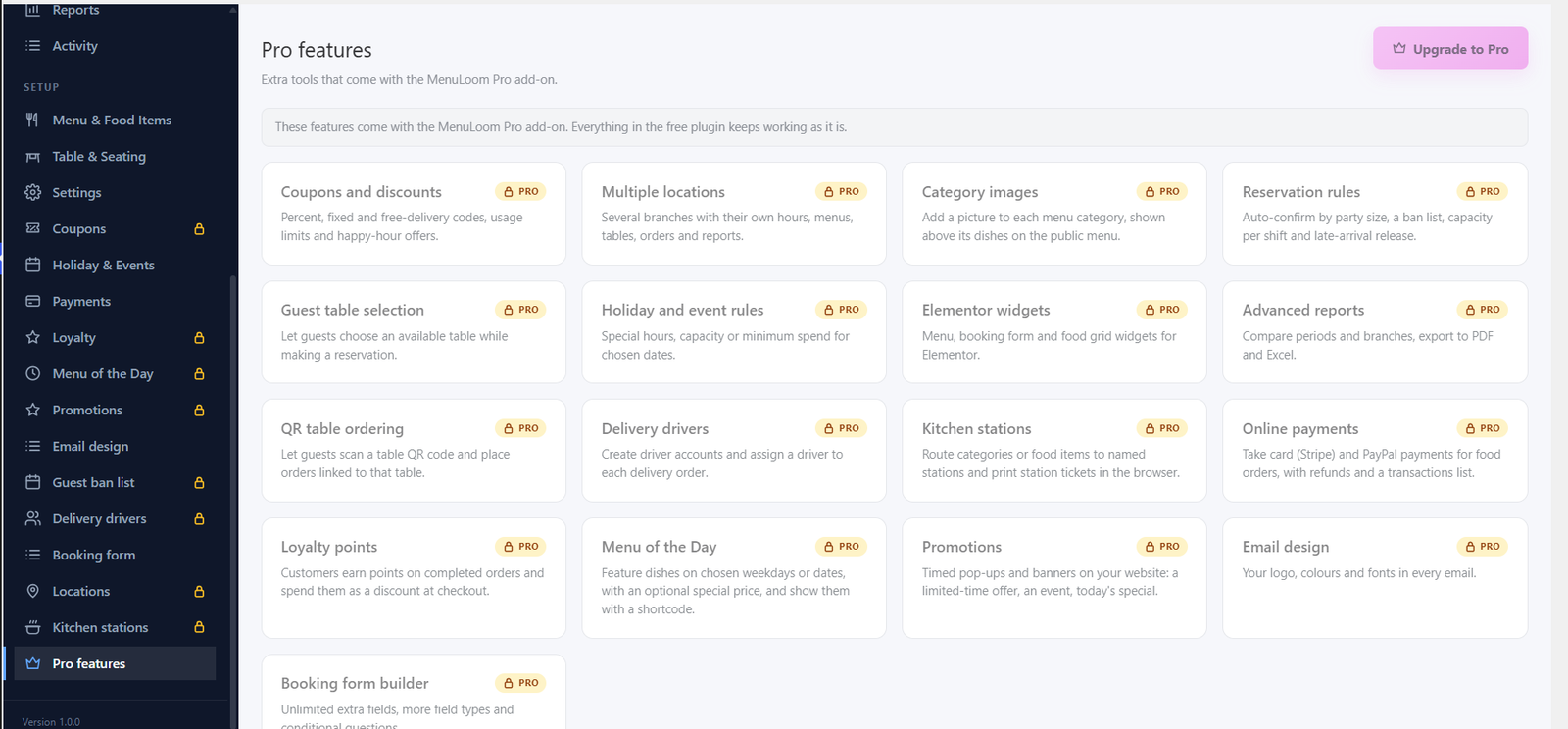
What Pro Adds#
- Coupons and discounts: percent, fixed and free-delivery codes, usage limits and happy-hour offers.
- Multiple locations: several branches with their own hours, menus, tables, orders and reports.
- Category images: a picture for each menu category.
- Reservation rules: auto-confirm by party size, a ban list, capacity per shift and late-arrival release.
- Guest table selection: let guests choose a table.
- Holiday and event rules: special hours, capacity or minimum pre-order for chosen dates.
- Elementor widgets: menu, booking form and food grid.
- Advanced reports: compare periods and branches, export to PDF and Excel.
- QR table ordering: guests scan a table QR code and order.
- Delivery drivers: driver accounts and assigning a driver to each delivery.
- Kitchen stations: route dishes to named stations and print station tickets.
- Online payments: card (Stripe) and PayPal, with refunds and a transactions list.
- Loyalty points: customers earn points and spend them at checkout.
- Menu of the Day: feature dishes on chosen days.
- Promotions: timed pop-ups and banners on your website.
- Email design: your logo, colors and fonts in every email.
- Booking form builder: unlimited extra questions and conditional fields.
Each of these has its own guide in the Pro Features section.
Was this article helpful?Thanks for your feedback.