Delivery Drivers
Needs MenuLoom ProThis feature is part of the Pro add-on. Without it the page opens as a locked preview.
Go to MenuLoom → Delivery drivers.
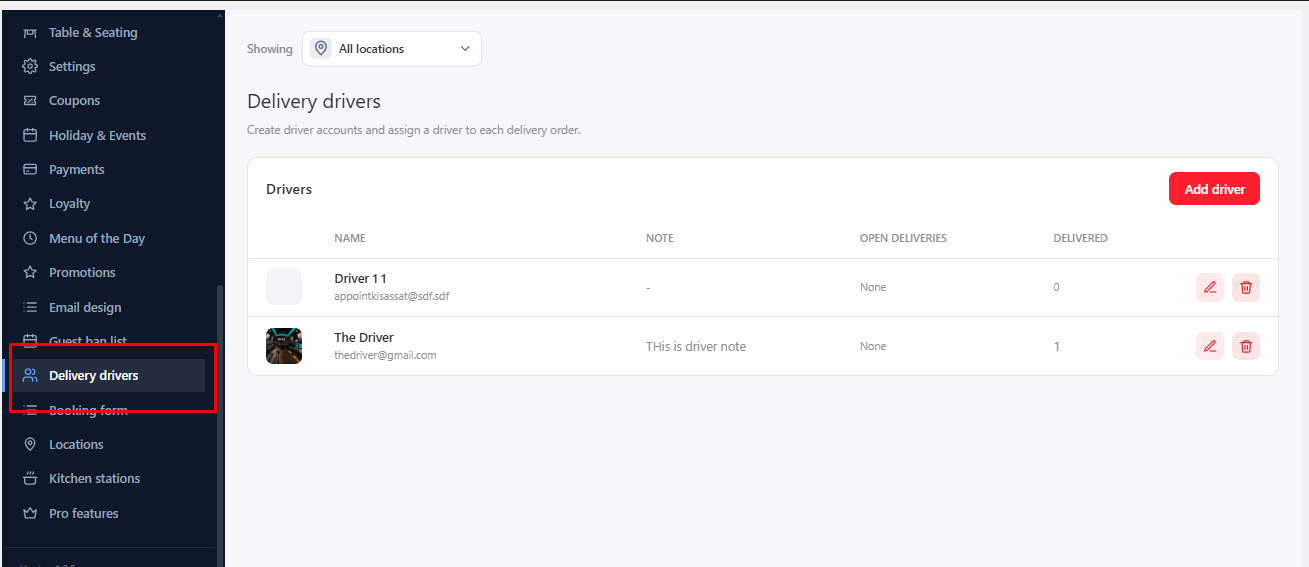
- Click to add a driver and fill in Name, Email, a Photo and a Note.
- Set a Temporary password so the driver can sign in.
- Choose the Locations the driver works at.
Open a delivery order and assign a driver to it. Each driver has a Delivery history page showing their deliveries.
Was this article helpful?Thanks for your feedback.