Email Design
Needs MenuLoom ProThis feature is part of the Pro add-on. Without it the page opens as a locked preview.
Go to MenuLoom → Email design.
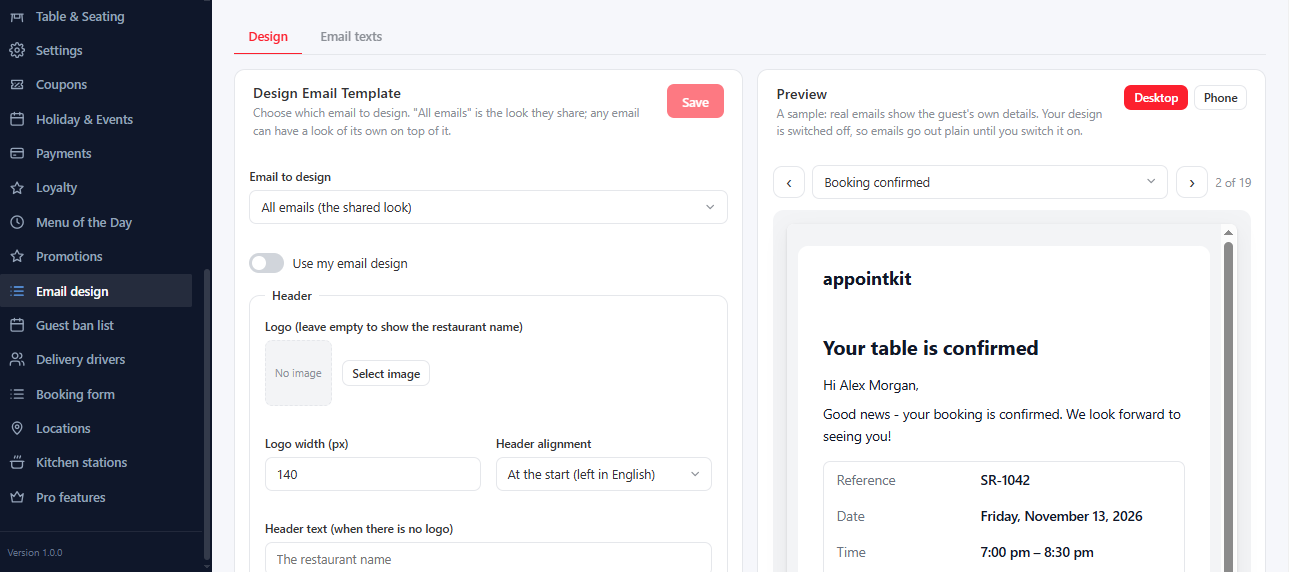
- Header: your Logo and its width, or header text when there is no logo, and the Header alignment.
- Colours and Font.
- Shape: Email width and Corner roundness.
- Footer: extra text under your address and phone.
Choose an email to preview with Email to preview and see it change as you edit. To give one email a look of its own, tick Give this email a look of its own. To keep an email plain, tick Keep this email plain (no design at all).
The wording of each email is edited in Settings → Notifications.
Was this article helpful?Thanks for your feedback.