Customers
Customers appear in MenuLoom → Customers after their first booking or order. You can also add a customer by hand.
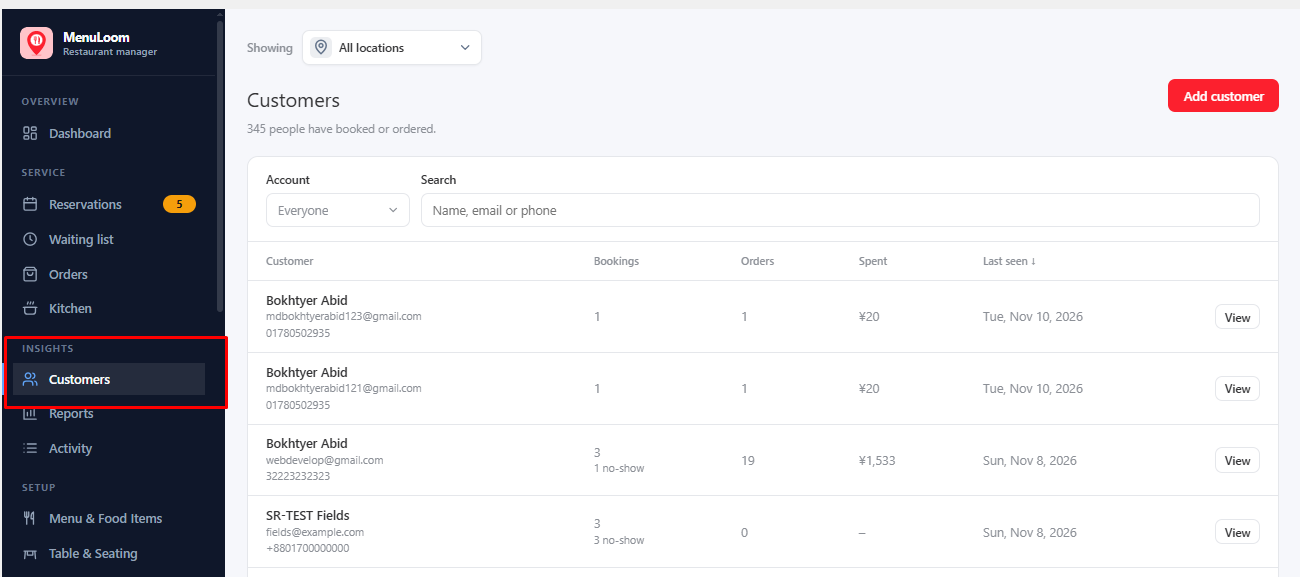
Open a customer to see their details, their bookings and orders, and their history. You can add tags to group customers, and use the search and tag filter to find people.
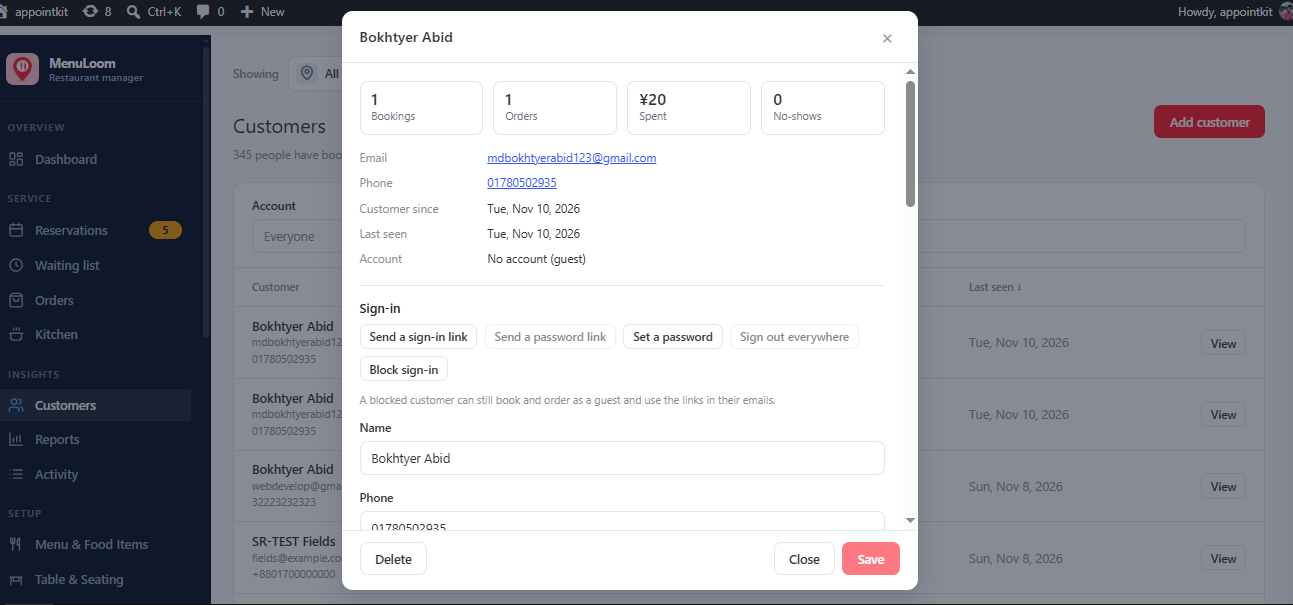
Deleting a customer removes the customer record only. Their bookings and orders stay.
With Loyalty points the customer’s points balance and history also appear here.
Was this article helpful?Thanks for your feedback.