Your First Setup, Step by Step
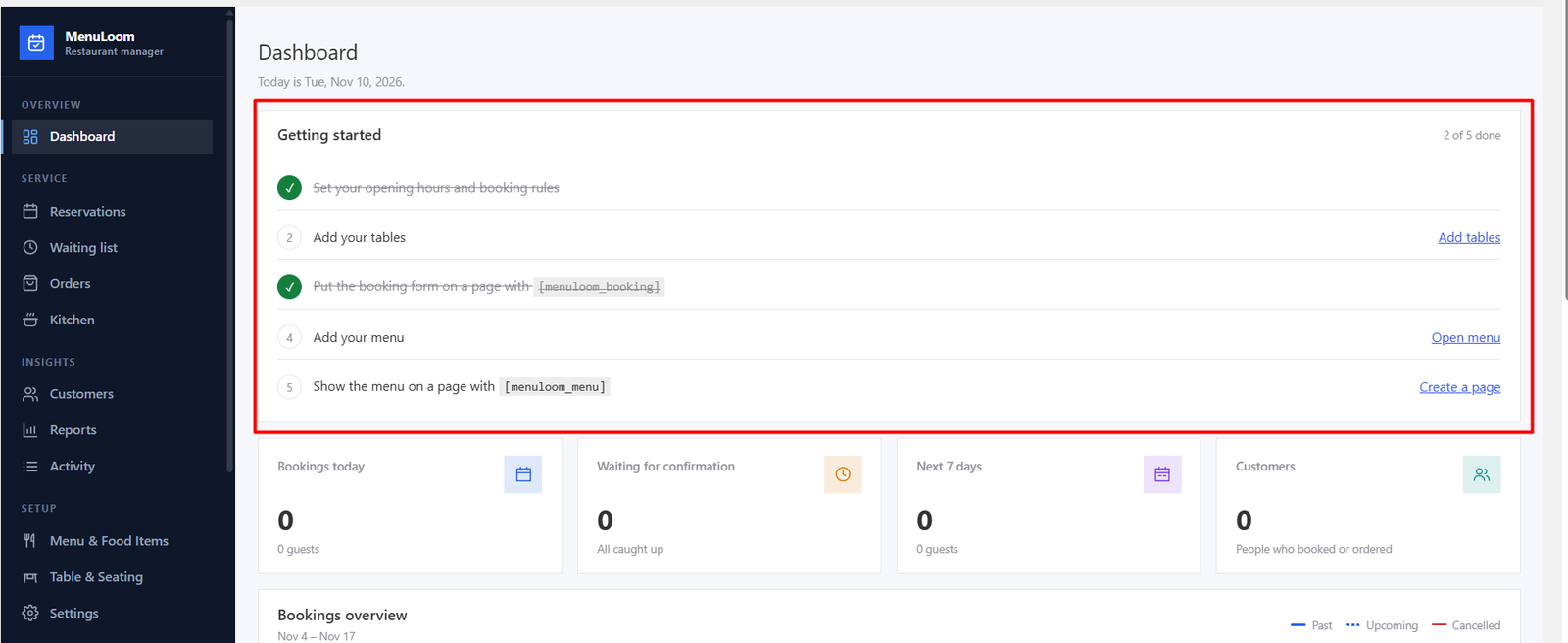
Follow these steps once. Each one links to a full guide.
- Restaurant details. Add your name, address, phone, email and currency in General settings.
- Opening hours. Set when you take bookings in Opening hours.
- Tables. Add your areas and tables in Table & Seating.
- Menu. Create a menu, its categories and your food items.
- Online ordering (optional). Turn it on and choose pickup or delivery in Food Ordering settings.
- Show it on your site. Paste the shortcodes into a page: booking form, menu or food grid.
- Test it. Make a test booking and a test order from your website, then confirm them in the admin.
Check your emails
Use Send a test email to in Settings → Notifications to be sure confirmations reach your guests.
Was this article helpful?Thanks for your feedback.