Email Notifications
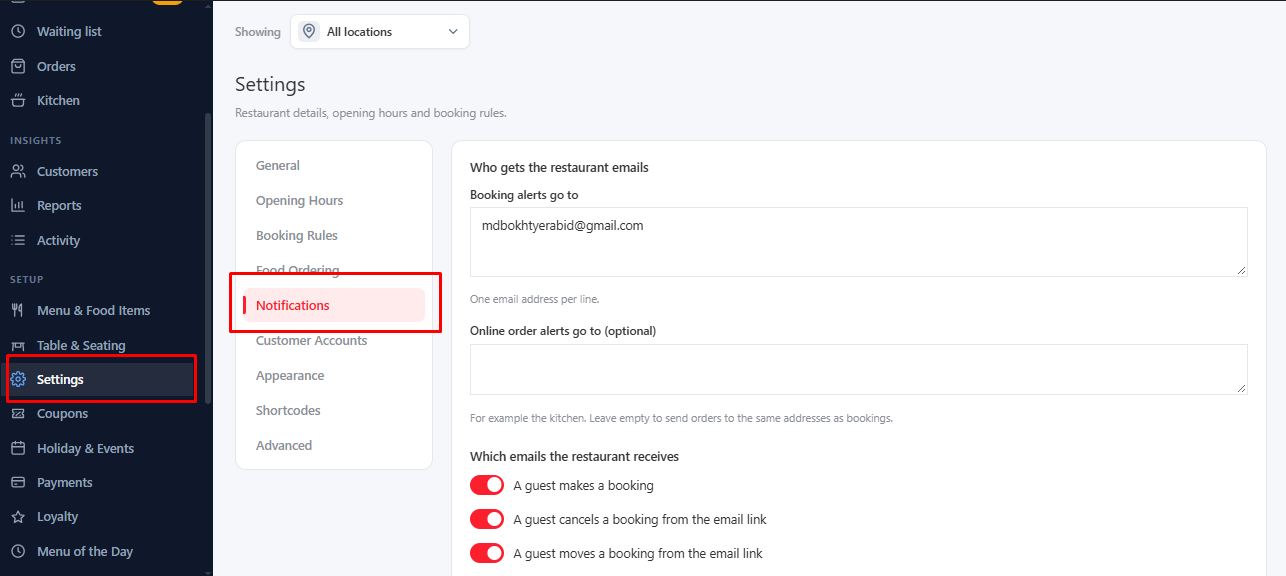
Go to Settings → Notifications.
For Guests#
Switch on the option that emails guests and customers when their booking or order is received, confirmed, changed or cancelled.
- Send a reminder (hours before the booking): an automatic reminder email.
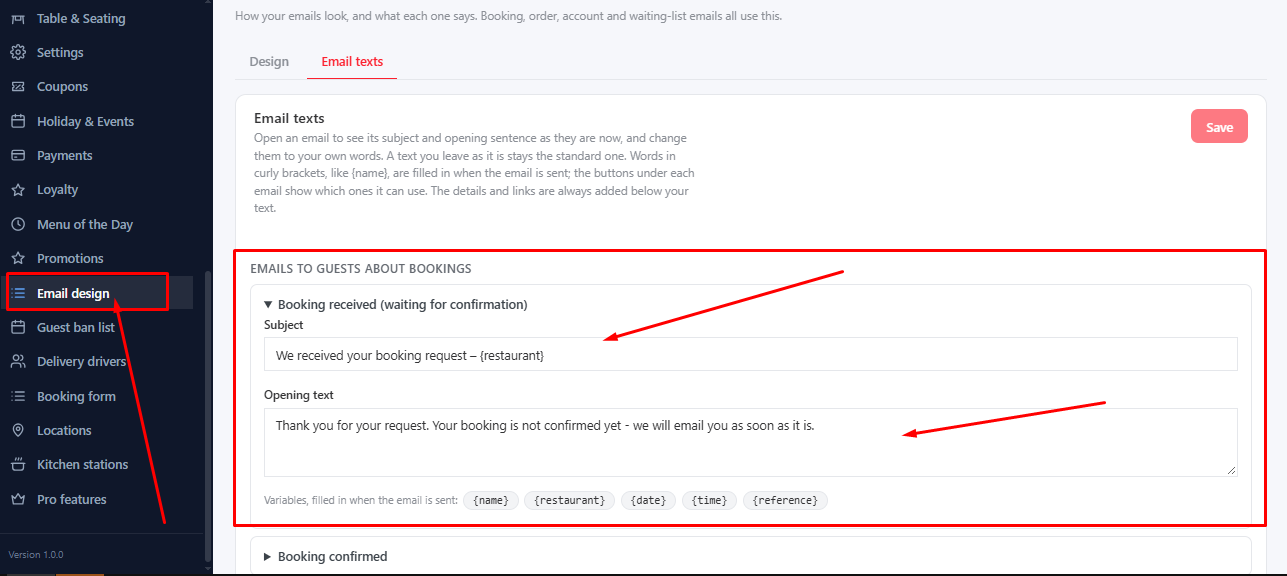
- Each email has an editable Heading and Message. MenuLoom shows the standard text, so you only change what you want.
For Your Team#
- Booking alerts go to and Online order alerts go to (optional) choose who gets new bookings and orders.
- Remind me about bookings still pending after (hours): a nudge so nothing is forgotten.
Check It Works#
Enter your address in Send a test email to and send one. If it does not arrive, check your spam folder and your site’s email setup.
Want branded emails?
MenuLoom Pro adds Email design: your logo, colors and fonts in every email.
Was this article helpful?Thanks for your feedback.