Admin Dashboard Overview
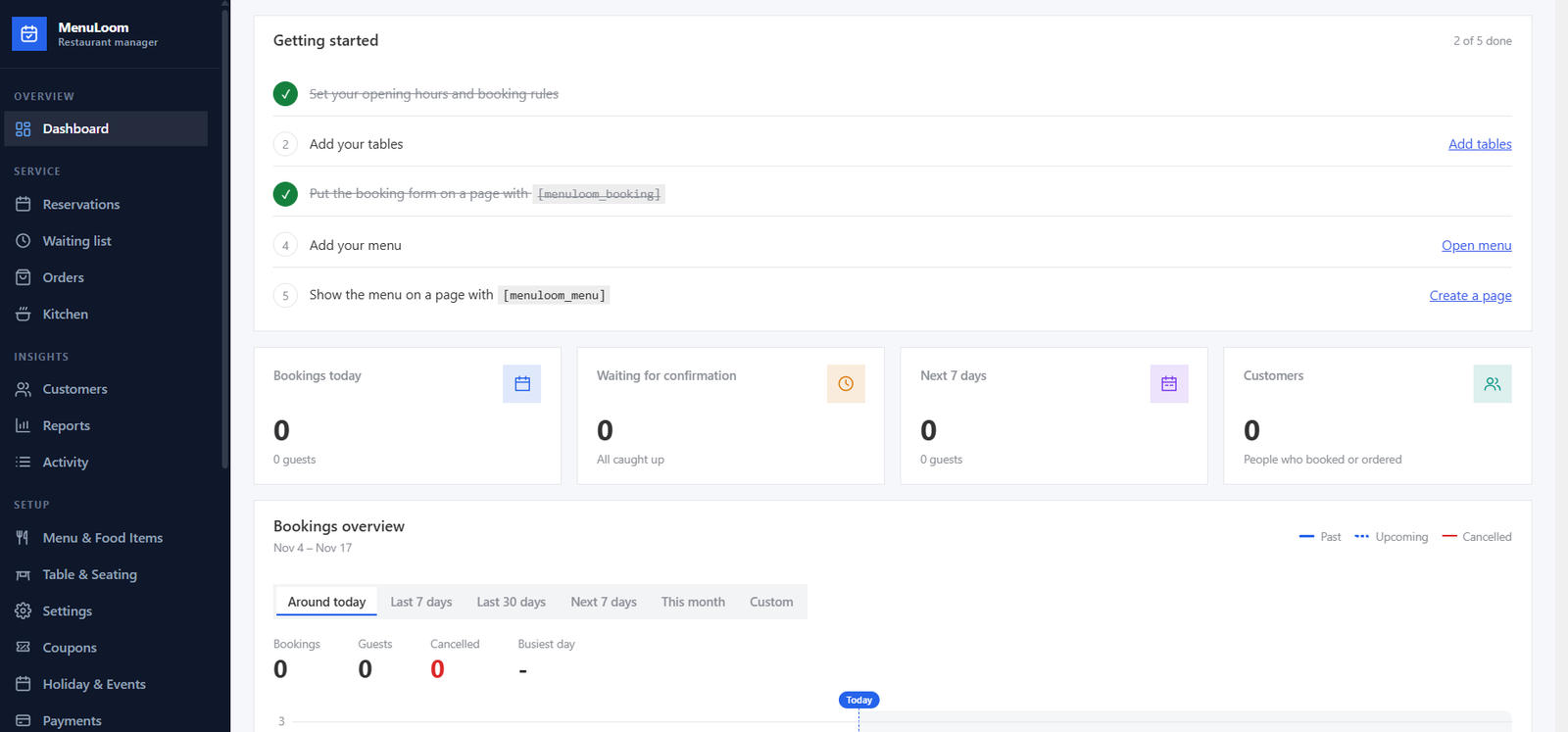
MenuLoom has its own admin app. Open it from MenuLoom in the WordPress menu. The menu on the left is grouped by what you do.
The Left Menu#
| Group | Pages |
|---|---|
| Overview | Dashboard |
| Service | Reservations, Waiting list, Orders, Kitchen |
| Insights | Customers, Reports, Activity |
| Setup | Menu & Food Items, Table & Seating, Settings, Holiday & Events, and the Pro pages |
A page only shows if your user may open it. Pro pages show a small lock until the Pro add-on is active.
Numbers That Need You#
A badge beside Reservations and Orders shows how many are waiting for you. The same total appears in the browser tab title, so you can spot new work from another tab.
The Dashboard Page#
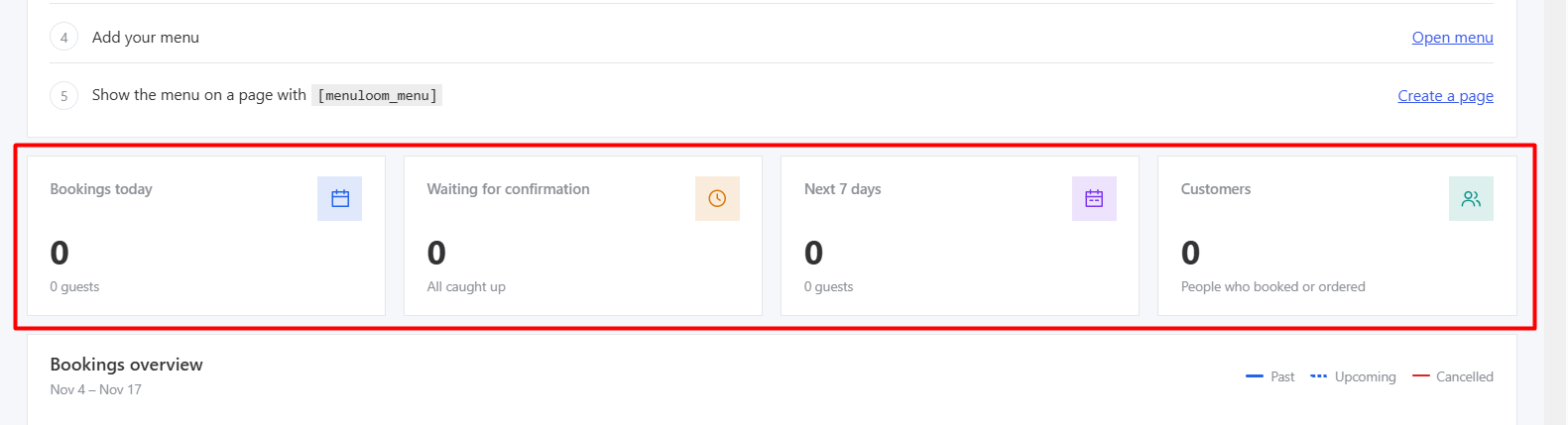
The dashboard gives you the day at a glance: bookings today, bookings waiting for confirmation, the next seven days, and lists of upcoming and recent bookings. Charts show bookings and, when online ordering is on, orders. A setup checklist helps while you are still getting started.
With the Pro locations feature a branch picker appears at the top. The lists and numbers follow the branch you choose.